One QR code is all you need
Activate now and you're open for business!

Easy setup
Activate your DuitNow QR code within minutes

Secure & cashless
Encrypted digital payments sent to your account in an instant

Zero setup costs
No fees or transaction charges, for a limited time only
Easy setup
Activate your DuitNow QR code within minutes
Secure & cashless
Encrypted digital payments sent to your account in an instant
Zero setup costs
No fees or transaction charges, for a limited time only
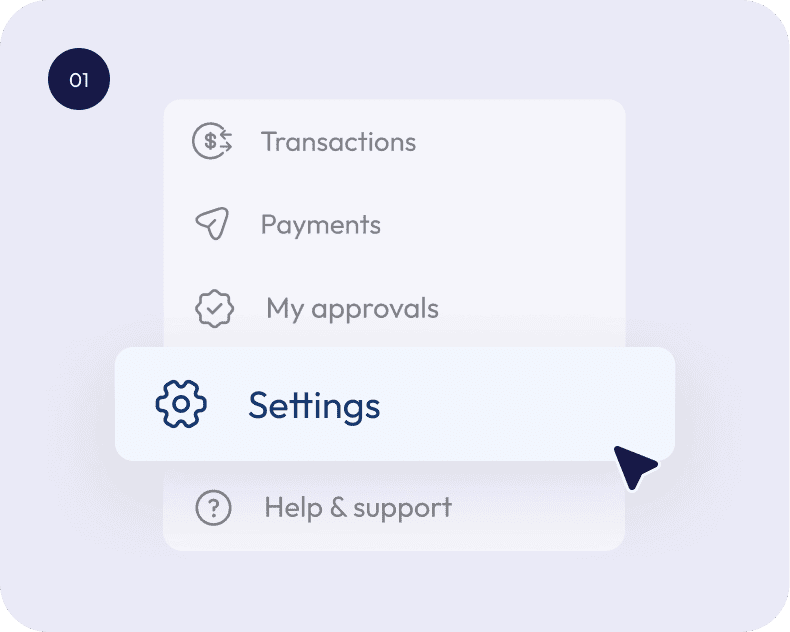
Log in to AEON Bank Biz
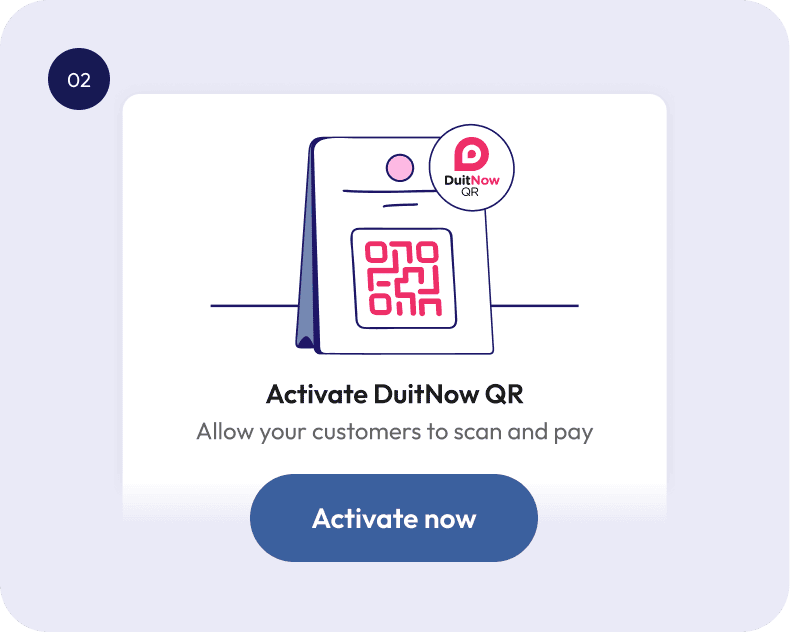
Activate DuitNow QR
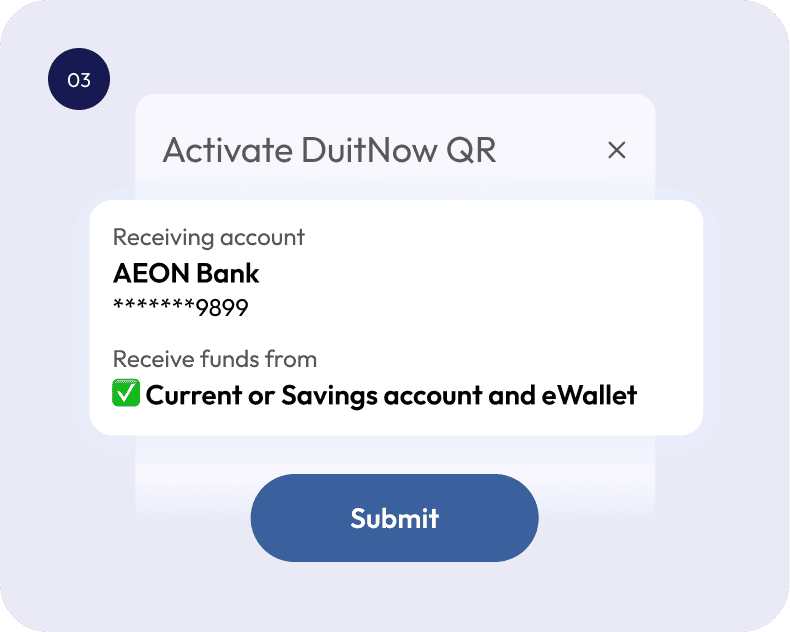
Confirm your details
Web
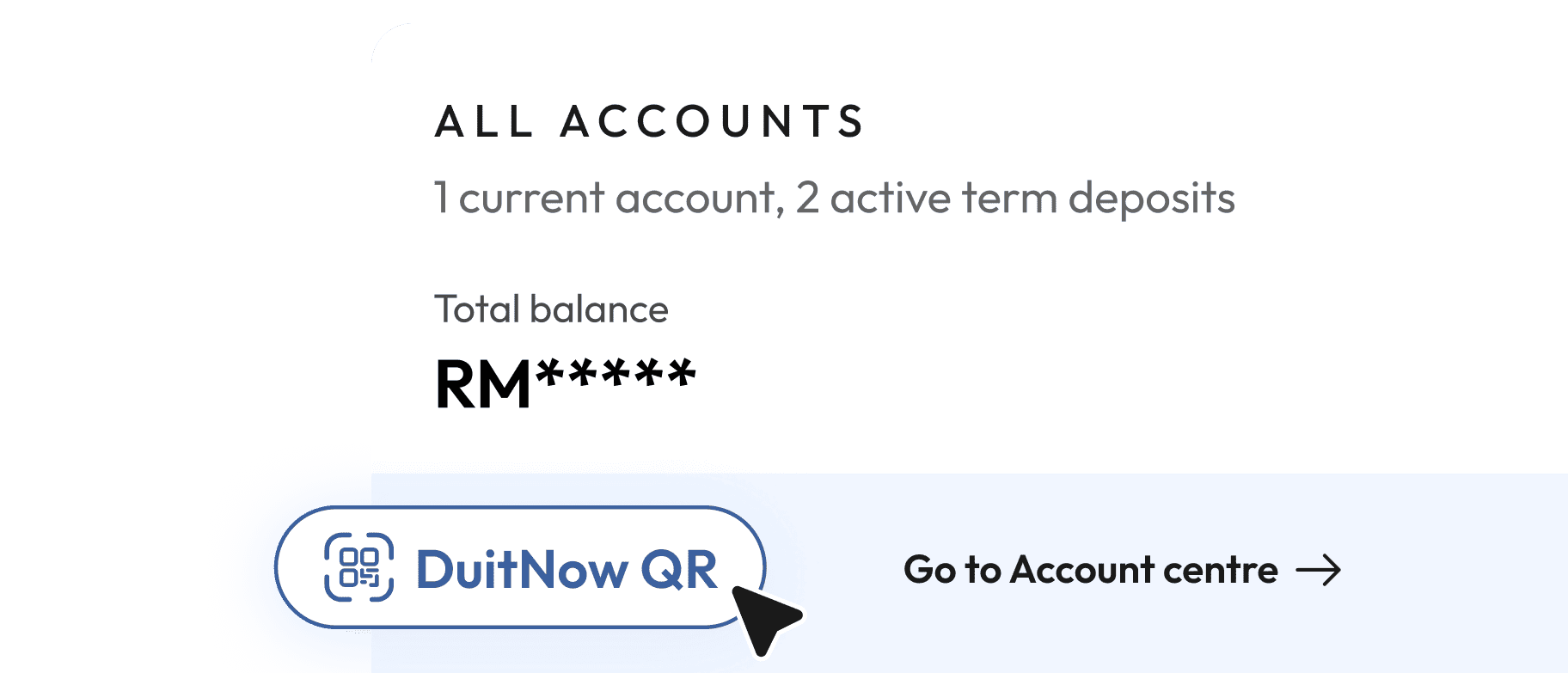
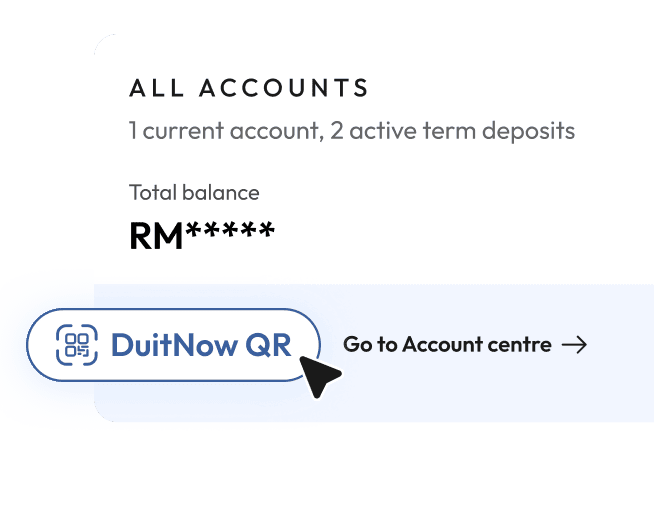
On your main dashboard, click the "DuitNow QR" button located below your account details
Download your DuitNow QR code to share or print it
App
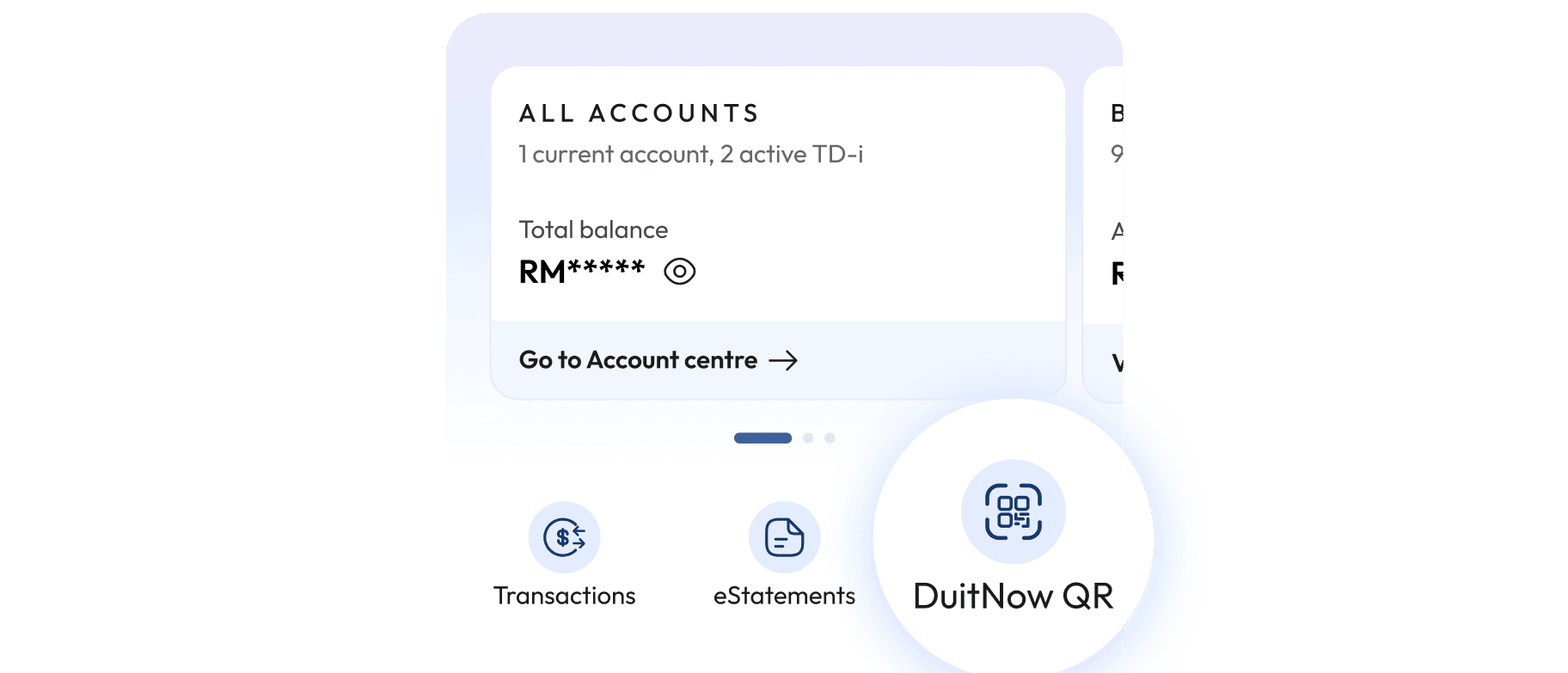
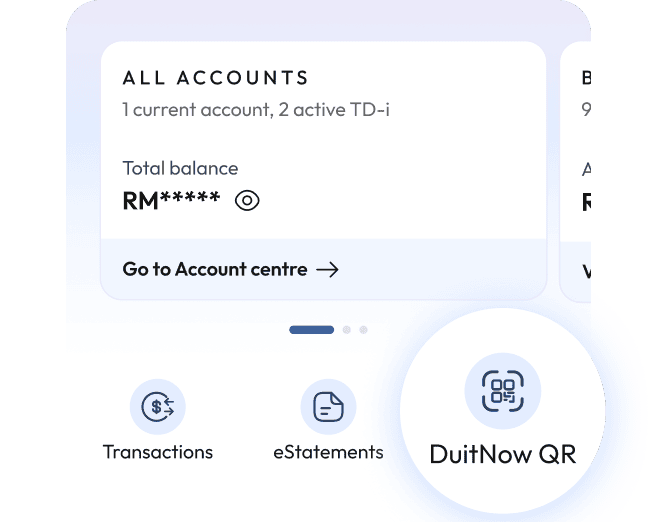
Go to your app's homepage
Tap the "DuitNow QR" button
Share your code or download it to print it
Biz QR: Terms & Conditions
What is DuitNow QR?
What is the requirement to subscribe for DuitNow QR for Merchants with AEON Bank Biz?
How do you do a first time set-up for DuitNow QR?
What is AEON Bank Biz's role in a DuitNow QR transaction?
What type of QR code is offered by AEON Bank Biz?
May I change or modify the design of the DuitNow QR branded QR code?
How quickly are DuitNow QR payments settled into my account?
How does the refund process happen between merchants and customer?
Are there any fees and charges for Merchants to use this service?